
What is the best way to backup a Windows 10 computer?
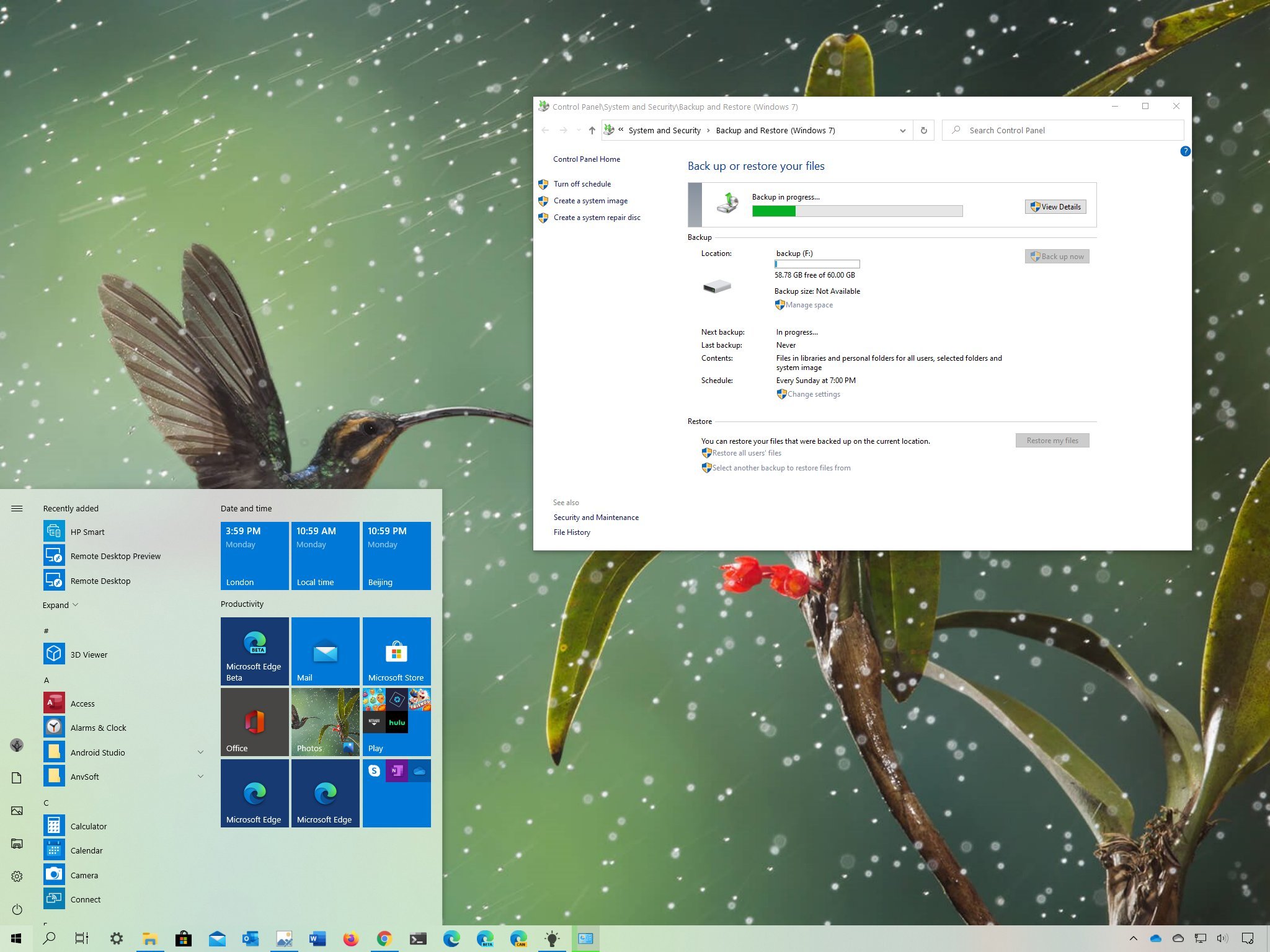
How do I Backup my entire computer Windows 10
You can use the File History feature in Windows 10 to back up to an external drive or network location. Select Start > Settings > Update & Security > Backup > Add a Drive, and then choose an external drive or network location for your backups (Figure 1). Restore your files with File History.
Does Windows 10 have a Backup function
As Windows has evolved, so has its backup features. And, generally speaking, native backup tools included in modern versions of Windows (i.e. Windows 7, 8, and 10) are much better than legacy tools used in older versions of the operating system. In Windows Vista and 7, the backup utility is known as Backup and Restore.
How do I Backup Windows to NAS
Open Settings> type File History in the search box. Or press Windows key + R> enter control> select Save backup copies of your files with File History under System and Security. 2. Click Select drive on the left and click Add a network location to add your NAS that is connected to your computer.
How do I Create a system image on a USB drive for Windows 10
Create backup to USB on Windows 10
Click on Backup. Under the “Looking for an older backup” section, click the “Go to Backup and Restore (Windows 7)” option. Click the “Create a system image” option from the left pane. Under the “On a hard disk” setting, select the external USB drive for the full backup of Windows 10.
Can I Backup my entire PC
Click Start, type backup in the Start Search box, and then click Backup and Restore in the Programs list. Click Back up files under Back up files or your entire computer. Select where you want to store the file backup, and then click Next.
Which is better system image or Backup
In case of malware and virus attacks, you will be able to quickly restore system image files and avoid any data loss. When it comes to effectiveness, flexibility, and storage differences, full backups are better than system images. You can backup and restore files as needed.
Is Windows 10 backup good enough
Windows 10 backup is good, but it is not enough. Therefore, it is better to use third-party backup tools, such as EaseUS Todo Backup Free, as a supplementary measure to help computer users to create a better backup of Windows computers to avoid data loss.
How do I backup my computer Windows 10 without an external hard drive
Back Up to a NAS on Your Network
To create backups and store them locally, you don't have to plug an external hard drive into all the computers you use. You can get a NAS (network-attached storage) device instead. All the computers on your home network can back up and restore from the NAS.
Should I use NAS for backup
NAS is commonly used by enterprises for sensitive data, and it is important to set up a backup for NAS devices to ensure you can recover data to avoid data loss. We should never consider them as a backup solution only. Since they are intended as storage devices, some businesses mistakenly use them as backup solutions.
How to backup Windows 10 operating system to external hard drive
Select Start > Settings > Update & Security > Backup > Add a drive , and then choose an external drive or network location for your backups.
Can you save a system image to a flash drive
Click "Create a system image". Under the On a hard disk section, select the external USB drive or USB flash drive as the destination disk to save Windows system image, click "Next" to continue.
Can you boot up your computer using the USB ISO image
Once the ISO boot files are copied to the USB drive, you can insert them into the target computers for booting from ISO file.
Is Windows 10 backup any good
This is because its primary purpose is to allow you to back up personal files rather than creating a complete system image. In addition, it does not let you create a complete system backup. In general, Windows 10 backup is good, but it is not perfect. Therefore, it is necessary to have some supplementary measures.
How do I backup my entire computer to a flash drive
After you sign in and apps. Which you could reinstall from the store.
Which backup is more efficient
Incremental backups take the least space and time to perform than differential and full backups, but it's the most time-consuming out of all of the methods to restore a full system. You first have to restore the latest full backup set and then each of the incremental backup sets in order.
Does an image backup save everything
With a system image backup, the system image backup tool will back up the entire data set without excluding any files (unless you create backups using an advanced backup solution).
What format is best for Windows backup
The FAT file system has the advantage over NTFS of being compatible with many operating systems. Furthermore, many other devices such as digital cameras and MP3 players also use FAT32. In contrast, NTFS is only supported by Windows operating systems.
How do I clone my win 10 to SSD
How do I transfer Windows 10 to my SSDRun MiniTool Partition Wizard in Windows 10.Choose Migrate OS to SSD/HD Wizard.Check option B.Select a target disk.Choose a copy option.After reading the boot note, apply all changes.
What’s the best way to back up my computer
Experts recommend the 3-2-1 rule for backup: three copies of your data, two local (on different devices) and one off-site. For most people, this means the original data on your computer, a backup on an external hard drive, and another on a cloud backup service.
Is NAS safer than cloud
Security. When it comes to security, NAS and cloud storage are two sides of the same coin. With NAS, all the security is in your hands, and it's up to you to take the necessary measures to protect your data. If you keep files in the cloud, you depend on the security level supplied by the cloud service provider.
What is better NAS or external hard drive
External hard drives can hold multiple data formats like files, media, and documents, but they are just storage. NAS provides more storage space that can be further extended, as NAS systems come with multiple bays allowing for up to 8 bays to be connected and expanding the NAS's capacity.
Does a system image backup everything
With a system image backup, the system image backup tool will back up the entire data set without excluding any files (unless you create backups using an advanced backup solution).
Which is better system image or backup
In case of malware and virus attacks, you will be able to quickly restore system image files and avoid any data loss. When it comes to effectiveness, flexibility, and storage differences, full backups are better than system images. You can backup and restore files as needed.
Can I backup my Windows 10 computer to a flash drive
Create a recovery driveIn the search box on the taskbar, search for Create a recovery drive and then select it.When the tool opens, make sure Back up system files to the recovery drive is selected and then select Next.Connect a USB drive to your PC, select it, and then select Next.Select Create.
Can I boot an ISO without a USB
You don't need a bootable USB flash drive or Media Creation Tool to install Windows 11 on a computer already running Windows 10. You can simply mount the ISO file to File Explorer and run the upgrade setup.


0 Comments