
How do I transfer data from SSD to external hard drive?
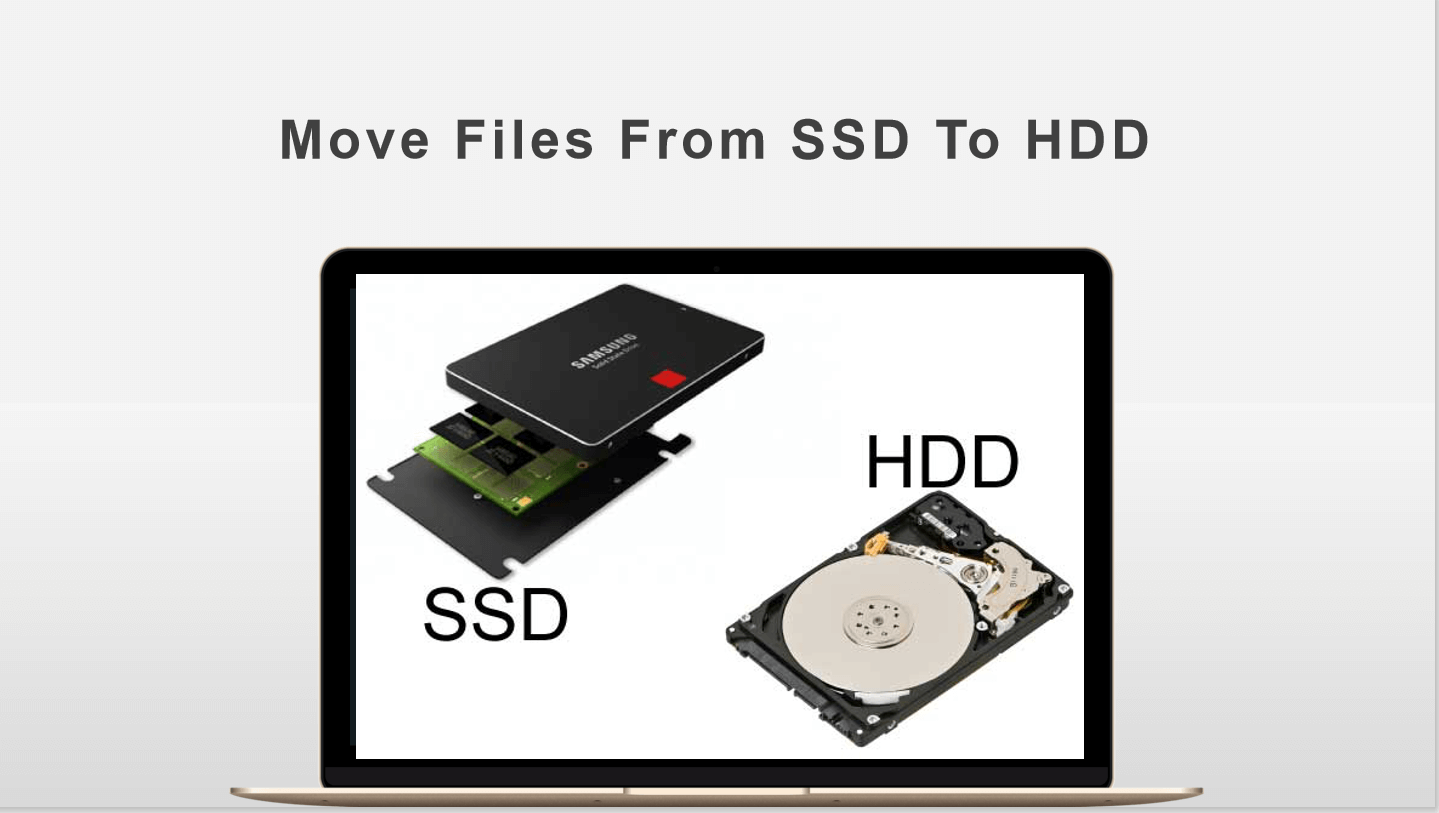
How do I move files from SSD to external hard drive
More Hot Topics on How to Transfer Data from SSD to HDDInstall and launch EaseUS Todo PCTrans. Click "App Migration".Choose the programs you want to transfer. Set the HDD as the target location and click "Transfer".Wait for the transfer process to finish. After that, you can run the migrated software on your HDD.
How do I transfer data from SSD
You can transfer your data from one SSD to another by cloning the old SSD with professional disk cloning software, like EaseUS Disk Copy. You can copy individual files, such as pictures, songs, and documents, from one SSD and paste them into the new SSD drive. However, transferring a lot of data will take a long time.
Can I move my OS from SSD to HDD
Yes, of course, for the Windows users, you can move the OS from SSD back to HDD, which is the same as the operation you move the OS from HDD to SSD . Make your HDD connected to the laptop. If it is the old HDD, you need to backup the data firstly.
How do I transfer all my data to a new hard drive
Open File Explorer and view the drives. Select the files you want to transfer from the old hard drive and copy them. Paste the files onto the new hard drive. Repeat this process until you have successfully copied all of the data from the old hard drive to the new one.
Can I convert internal SSD to external
For using internal SSD as external hard drive, you need an external hard drive enclosure or USB adapter. Before you buy such a device, you need to check the size (2.5 or 3.5 inches) and interface of your SSD to make sure the enclosure or adapter can work with your SSD.
How do I format my SSD for external storage
How to format an SSDClick on Start or the Windows button, select Control Panel, then System and Security.Select Administrative Tools, then Computer Management and Disk management.Choose the disk you'd like to format, right-click and select Format.
Can data be retrieved from SSD
Recovering data from an SSD is absolutely possible. The only question is how effective SSD data recovery is. The potential for data recovery on an SSD is hampered due to the way an SSD self-manages data destruction using the TRIM command. Furthermore, the chance of data recovery depends on the SSD status.
Can you transfer data from a dead SSD
Yes, it is possible to recover data from a failed, dead, or broken SSD. While you have the option to perform SSD failure recovery, you must note that it can be a complicated process. ? SSDs are different from regular hard drives because their construction is more technologically sophisticated.
Can I copy my OS to another hard drive
You can transfer your operating system to a new hard drive or SSD without reinstalling the windows. There are effective way and free tools with the help of which you can move the Windows operating system or Mac OS to the new hard drive. In this article, we will discuss the ways to copy OS to the new hard drive.
Can I use SSD for OS and HDD for storage
Summary. If you want to use SSD and HDD together in laptop or desktop, the best choice is to use SSD for OS and HDD for storage. Only in this way, you can fully make use of the biggest advantages of SSD and HDD disk simultaneously, make your computer run faster and store more data.
How to transfer all data from laptop to external hard drive at once
To copy multiple files, hold CTRL as you select additional files or folders. Once you have files and folders highlighted, make sure you're in the Home tab, then select Organize > Copy to, and select your external storage device name from the list of options.
What is the fastest way to transfer data to external hard drive
The fastest way to transfer files from a PC to an external hard drive is to directly copy and paste these files from your PC to the hard drive, with the drive connected to your PC of course.
Can you plug SSD into USB
All of our 2.5” SSDs can be used externally as data storage drives where they can be installed in an enclosure and connected via USB. When connecting externally, the data transfer speeds of the SSD will be limited to the maximum performance of the USB connection.
How do I connect my internal SSD to USB
Having prepared a USB to SATA adapter, and, if necessary, an additional power adapter, you may start connecting your drive. Attach your SATA drive to the USB to SATA adapter. Plug your SATA hard disk drive or SSD directly into the combined SATA connector on the adapter.
Does new SSD need to be formatted
If you've recently purchased an SSD, you will probably need to format the drive so that it can be used with your operating system. When installing an operating system, there will be an option to select your new drive and format.
Should external SSD be NTFS or FAT32
The NTFS can be used on your Windows system drive and other internal drives. When you need more compatibility and want to use more devices smoothly, you should go for exFAT instead of FAT32. From the brief comparison between NTFS and exFAT, there is no clear answer that which format is better for SSD drive.
Why is it difficult to recover data from SSD
Poor SSD design can lead to data corruption, making data recovery very tricky. When power is removed from an SSD, the drive has milliseconds to save the current data to the correct location. Poor design and failure to accommodate this can lead to data not being saved to the correct place.
Is it possible to recover data from a failed SSD
You can recover data from a corrupt SSD with the help of dedicated data recovery software, such as Stellar Data Recovery Professional. The software deep scans the corrupted or inaccessible hard drive and finds the missing or lost data.
Is there any way to recover dead SSD
How to Fix a Dead SSDOpen the Windows Explorer by hitting Win Logo + E keys. Now go to System Explorer.Choose System.Go to Device Manager.Go to the properties of the damaged SSD drive.Go to "Details and Hardware IDs"Hit the OK button.Install a tool that updates the firmware on your SSD.Check out the license.
Can I move my OS to another drive without losing data
Yes, you can, but you will need to create a backup image of your current Windows installation and then use cloning software to transfer the image to the new drive. You will then need to reinstall all your applications and settings, but the process should be fairly straightforward.
How do I move my OS to another drive without cloning
How to move OS to SSD without cloningChoose an unallocated space on the target disk as the location.YOu can resize the partition on the SSD.Click "Finish" to continue.You'll back to the main interface where you can preview the result of the operation.Then the target disk will be your system disk now.Conclusion.
Is A 512 GB SSD enough
As long as you don't plan on installing too many games onto your PC simultaneously, a 512GB SSD will be more than enough to carry a good selection of games as well as your personal pictures, videos and files.
How do I boot from SSD and store on HDD
There are two ways to set up your computer with an SSD as the boot drive and HDD for storage. The first way is to clone your HDD OS to your SSD. The second way is to clean install Windows on your SSD and put data on your HDD. Choose the method that best suits your needs.
What is the fastest way to transfer data from laptop to external hard drive
How to Transfer Files from PC to External Hard Drive Faster FAQsConnect the USB to Rear Port.Update USB/Chipset Drivers.Enable USB 3.0 Port.Optimize the Performance.Convert FAT32 to NTFS.Format USB.
What is the fastest way to transfer files between drives
The 4 Fastest Ways to Transfer Files From One Computer to AnotherUse a USB 3.2 Gen 2×2 External SSD or Faster.Use an M.Share Files via a Local Area Network.Save Files on a Cloud Drive.Connect Your Phone Using a Cable.Use Apple AirDrop.Transfer Files Using Mobile Apps.Use a microSD Card.


0 Comments