
Which is better backup or clone?
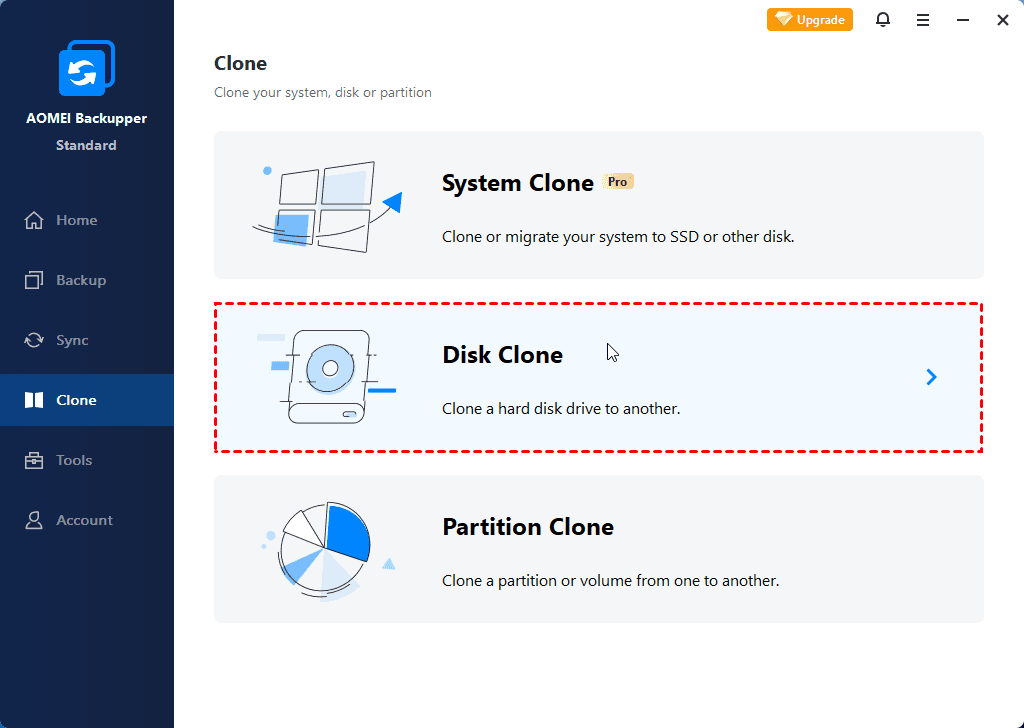
Should I clone or backup
Backup and disk clone are both useful tools with different functions. Pick cloning if you need a handy copy of your files to access quickly when your computer crashes. Use a backup to restore any lost data.
What is the difference between EaseUS backup and clone
EaseUS Todo Backup will automatically select the boot and system partition, choose the target disk and click "Next." *System clone will wipe out all data and does not support cloning MBR disk to GPT or vice versa. Make sure that the partition style of the source disk and the target disk are the same.
Is copying faster than cloning
Cloning will be much. much faster. I cant say how much, as it will depend on the speed of your setup. However, it shouldnt take more than a few hours.
Is it safe to clone a hard drive
Cloning a hard drive can avoid the process of time-consuming reinstall the system and reconfigure settings. And cloning is very safe, it plays a significant role in managing and protecting data. The best way to clone a hard drive to SSD is to seek the help of third-party software.
Which backup is better
If you're performing cloud backup, incremental backups are generally a better fit because they consume fewer resources. You might start out with a full backup in the cloud and then shift to incremental backups. Mirror backup, though, is typically more of an on-premises approach and often involves disks.
Which backup is most efficient
Incremental backups are the most space-efficient form of backup.
Is cloning the same as backup hard drive
The Backup operation of Acronis software creates an image file for backup and disaster recovery purposes, while the Disk Clone tool simply copies/moves the entire contents of one hard disk drive to another. Here's how both tools work and when you should use them.
Can I trust EaseUS
EaseUS Review – Verdict
EaseUs is a safe, secure, and effective data recovery program. It helps you recover lost, hidden, and deleted files and data from even a crashed system. And it honestly does a great job.
Why is cloning so bad
Researchers have observed some adverse health effects in sheep and other mammals that have been cloned. These include an increase in birth size and a variety of defects in vital organs, such as the liver, brain and heart. Other consequences include premature aging and problems with the immune system.
Does cloning an SSD make it slower
Usually, users choose to clone Windows 10 from HDD to SSD to boost Windows 10 running speed. However, according to some user feedback, Windows 10 is slow after cloning to SSD. In fact, the most common cause of this problem is that the SSD is not in optimal condition because it is misconfigured.
Is it bad to clone an SSD
In general, cloning an HDD to SSD is not bad. And you can benefit a lot from it. If your SSD has files stored on it, you'd better back it up in advance because cloning HDD to SSD will wipe the data stored on the target device.
Is it OK to clone HDD to SSD
But if you have a lot of important data on your old hard drive, and don't want to go through the hassle of reinstalling the operating system, disk cloning software can save you time and effort. Cloning HDD to an SSD is a simple and efficient process that can save you time and effort.
Which backup is faster
Differential Backup
To put it simply, a full backup is done initially, and then subsequent backups are run to include all the changes made to the files and folders. It lets you restore data faster than full backup since it requires only two backup components: an initial full backup and the latest differential backup.
What are the 3 types of backups
Types of BackupsFull backup: The most basic and comprehensive backup method, where all data is sent to another location.Incremental backup: Backs up all files that have changed since the last backup occurred.Differential backup: Backs up only copies of all files that have changed since the last full backup.
Does cloning a drive make it slower
Usually, users choose to clone Windows 10 from HDD to SSD to boost Windows 10 running speed. However, according to some user feedback, Windows 10 is slow after cloning to SSD. In fact, the most common cause of this problem is that the SSD is not in optimal condition because it is misconfigured.
Is EaseUS a Chinese company
EASEUS, established on August 12th, 2004, is a professional data recovery and data security company. Based in China, CHENGDU YIWO Tech Development Co.
Is EaseUS clone safe
Yes, it is safe to clone your HDD to an SSD. Use EaseUS Partition Master to clone your hard drive easily onto an SSD.
What are 3 disadvantages of cloning
Disadvantages of CloningNot reliable.Eliminates genetic diversity.High level of uncertainty.Not at all a safe process.Cloning is unethical.It can easily be misused.It may promote discrimination.
Why is cloning a good idea
An embryo made by cloning can be turned into a stem cell factory. Stem cells are an early form of cells that can grow into many different types of cells and tissues. Scientists can turn them into nerve cells to fix a damaged spinal cord or insulin-making cells to treat diabetes.
How long should it take to clone a 2tb drive
But not every tool can reach the exact speed of 100MB/s. Here is the time you need to spend on cloning a 2 TB hard driver from 90MB to 140MB per second: 90MB/s – about 6 hours. 100MB/s – about 5.5 hours.
How long does it take to clone a 1tb drive to SSD
It is a common question how long it takes to copy a hard disk to an SSD. It depends on how much data you need to move, how quickly the cloning program runs, the read and write speeds, the computer system, the hard disk, etc. Therefore, the usual wait time would be between 10 mins and 1 hour.
Can I clone a 1TB HDD to a 256GB SSD
You can clone a larger hard disk to a smaller SSD, but only if the SSD is big enough to hold the HDD's whole data. For instance, disk cloning is impossible if the total quantity of data on the HDD is greater than 256GB. Cloning a larger HDD to a smaller SSD will benefit you in many aspects: Reduced boot time.
How long does it take to clone a 1TB drive to SSD
It is a common question how long it takes to copy a hard disk to an SSD. It depends on how much data you need to move, how quickly the cloning program runs, the read and write speeds, the computer system, the hard disk, etc. Therefore, the usual wait time would be between 10 mins and 1 hour.
Which type of backup is fastest
Differential backups are quicker than full backups because so much less data is backed up. But the amount of data being backed up grows with each differential backup until the next full backup.
What are the 4 types of backups
Each backup program has its own approach in executing the backup, but there are four common types of backup implemented and generally used in most of these programs: full backup, differential backup, incremental backup and mirror backup.


0 Comments