
Can I clone a 1TB HDD to a 2TB SSD?
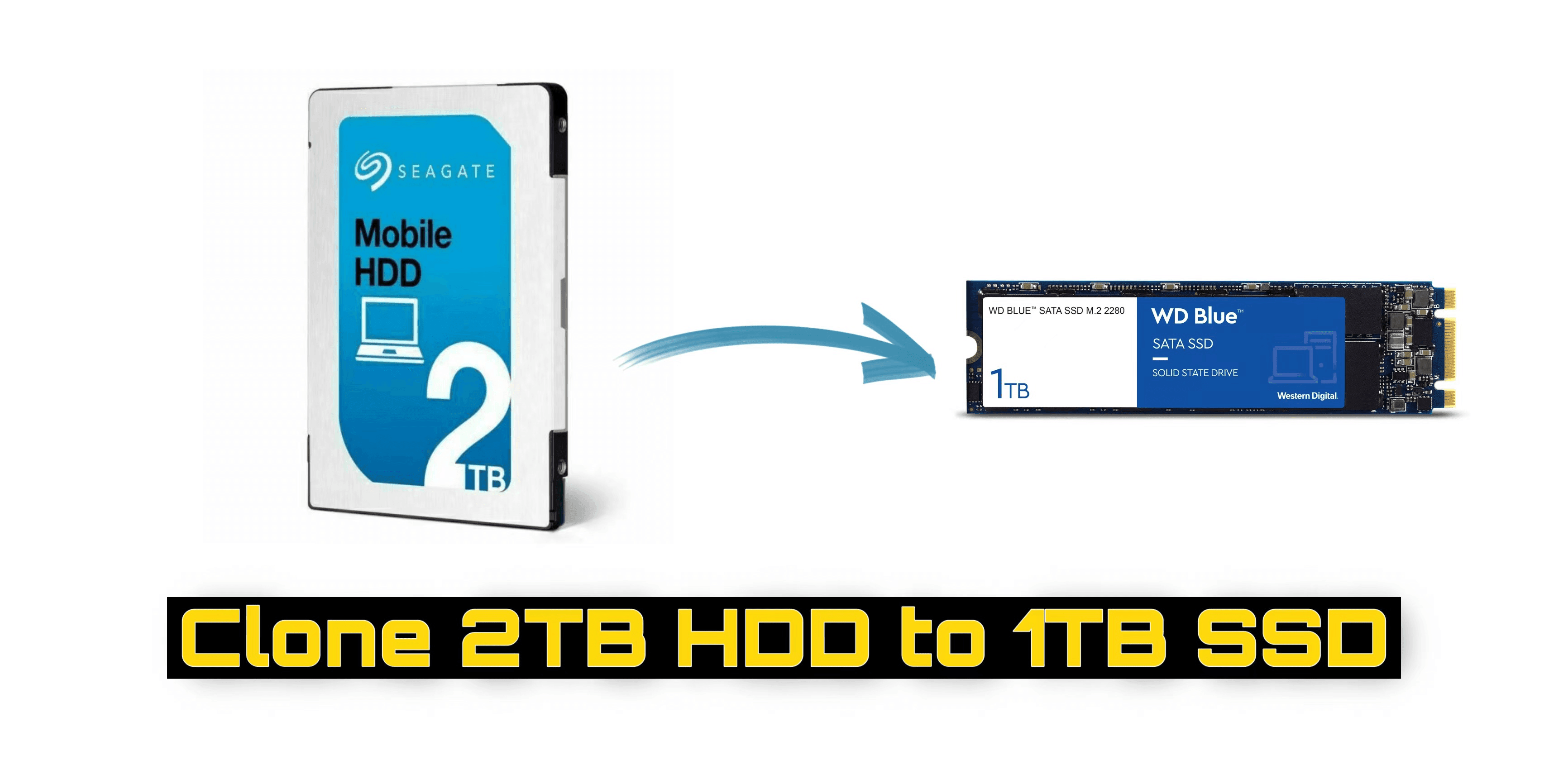
Can I clone a 1TB to a 2TB
The answer is YES. Using a disk cloning program, you can clone a 1TB HDD to a 2TB SSD with ease. The process involves the following main steps. EaseUS Disk Copy is a popular Windows 11/10/8/7 disk and partition cloning tool that will ensure a smooth HDD to SSD cloning without reinstalling the operating system.
Archiv
Can I clone a 1TB HDD to a 256GB SSD
You can clone a larger hard disk to a smaller SSD, but only if the SSD is big enough to hold the HDD's whole data. For instance, disk cloning is impossible if the total quantity of data on the HDD is greater than 256GB. Cloning a larger HDD to a smaller SSD will benefit you in many aspects: Reduced boot time.
Can I clone HDD to SSD of different size
Yes, you can clone hard drive with different sector sizes.
Can I clone a 1TB HDD to a 500GB SSD
Answer: It is possible to clone 1TB HDD to 500GB SSD
In fact, the answerer is positive, as long as the used capacity on the source HDD is not larger than the capacity of the destination SSD. At this point, what you need is proper HDD to SSD cloning software.
Do I really need 2TB
With 2 TB of data, you can store an average of 200,000 photos with today's smartphones, and roughly 500,000 documents can fit on a 2TB drive. 2TB or 1TB of data storage is more than enough digital storage for most people.
Is 2TB slower than 1TB
The bigger 2TB is better in that it holds twice as much data. However, if the 2TB drive is slower than the 1TB, then the faster one would be better. You'd have to check the specs of the drives in question. However, with a 2TB drive, you've twice as much data (potentially) to lose, and to backup.
How do I clone a 1TB hard drive to SSD
How Do I Clone A 1TB Hard Drive to A 2TB SSDSelect the source disk. Go to the "Clone" tab, click "Clone OS Disk" or "Click Data Disk". And then click "Next" to continue.Select clone mode. You can select "Autofit the disk", "Clone as the source" to customize your disk layout.Click "Start" to start cloning process.
How do I clone a 1TB hard drive to a 250GB SSD
Now take the simple steps to clone your 1TB HDD to a 500GB or 250GB SSD without data loss:Select the source disk. Click the "Clone" from the left menu.Select the target disk.View the disk layout and edit the target disk partition size.Click "Start" to start the disk cloning process.
How to clone a 1TB HDD to a 250GB SSD
Now take the simple steps to clone your 1TB HDD to a 500GB or 250GB SSD without data loss:Select the source disk. Click the "Clone" from the left menu.Select the target disk.View the disk layout and edit the target disk partition size.Click "Start" to start the disk cloning process.
How long does it take to clone a 1TB hard drive to SSD
It is a common question how long it takes to copy a hard disk to an SSD. It depends on how much data you need to move, how quickly the cloning program runs, the read and write speeds, the computer system, the hard disk, etc. Therefore, the usual wait time would be between 10 mins and 1 hour.
Is 1 TB SSD overkill
No, 1TB of SSD is not overkill.
Is 2 TB good for PC gaming
This disk size is also preferred by a lot of gamers as it offers enough space for storing games, multimedia files, and screen recordings of different gaming sessions. If you only play modern games and frequently buy new ones, 2TB hard disks can be filled up in a long period of time.
Is 1TB or 2TB better for gaming
What's the best storage for gaming PCs There's no absolute answer. If you use cloud storage and don't stream or download many games, a hard drive with 500GB to 1TB capacity is enough. If you like downloading a lot of games and having multiple games installed simultaneously, a 2TB hard disk would be good.
Is it good to clone HDD to SSD
In general, cloning an HDD to SSD is not bad. And you can benefit a lot from it. If your SSD has files stored on it, you'd better back it up in advance because cloning HDD to SSD will wipe the data stored on the target device.
How to clone 1TB HDD to 250GB SSD
Now take the simple steps to clone your 1TB HDD to a 500GB or 250GB SSD without data loss:Select the source disk. Click the "Clone" from the left menu.Select the target disk.View the disk layout and edit the target disk partition size.Click "Start" to start the disk cloning process.
How to replace 1TB HDD with SSD
Installation stepsMake sure you're working in a static-safe environment.Gather supplies.Shut down your system.Hold down the power button for 5 seconds to discharge residual electricity.Open the computer case.Ground yourself by touching an unpainted metal surface.Locate the storage bay.Plug the SSD into your system.
Can I replace 1TB HDD with 1TB SSD
If you have just one drive in your laptop or desktop, you could replace an HDD or small SSD with a 1TB SSD for less than $60. If you're a computer user with a great deal of data, replacing just the drive that holds your operating system and applications could provide a significant speed boost.
How long does it take to clone 500 GB
Assuming that the cloning speed is 100MB/s and other factors are in good condition, it will take about one and a half hours to finish the hard drive cloning process.
Does cloning an SSD copy the OS
Yes, cloning the hard drive will copy the OS. It will not only copy the OS; all of the source drive's contents will also be copied to the target drive. Therefore, you must be very careful while cloning since all your crucial data will be lost if you choose the source and target drives incorrectly.
Is 1 2TB SSD enough for gaming
What's the best storage for gaming PCs There's no absolute answer. If you use cloud storage and don't stream or download many games, a hard drive with 500GB to 1TB capacity is enough. If you like downloading a lot of games and having multiple games installed simultaneously, a 2TB hard disk would be good.
Is 250 GB SSD enough with 1 TB HDD
A 250GB SSD would serve you better if you want faster write and read speeds. However, the storage space would be minimal. On the other hand, if you are a pro gamer or a video editor, you can go with a 250GB SSD. The 1TB HDD storage option only has one advantage: its 1TB storage space.
Is 4TB overkill for gaming
Is 4TB a lot of storage for gaming Hard drives with 4TB capacity enable you to download games without restriction. Multiple games can be installed on the drive at the same time. Then you still have much space for storing other items.
Is 1TB overkill
No, absolutely not. In modern days, 1TB of SSD can get filled up fairly easily, when games can be 50–100GB, so you can only fit 10–20 games at the same time, if they're “AAA” games, so to speak. You also never want an SSD to be completely full, because that makes them slow.
Is 1 TB overkill
No, absolutely not. In modern days, 1TB of SSD can get filled up fairly easily, when games can be 50–100GB, so you can only fit 10–20 games at the same time, if they're “AAA” games, so to speak. You also never want an SSD to be completely full, because that makes them slow.
Is 2TB overkill for a gaming PC
If you like downloading a lot of games and having multiple games installed simultaneously, a 2TB hard disk would be good. If you work on content creation and want to stream, it is recommended to use a 3TB or 4TB hard drive. As you see, the recommended storage for gaming PCs is different based on needs.


0 Comments