
Como abrir o update pelo CMD?
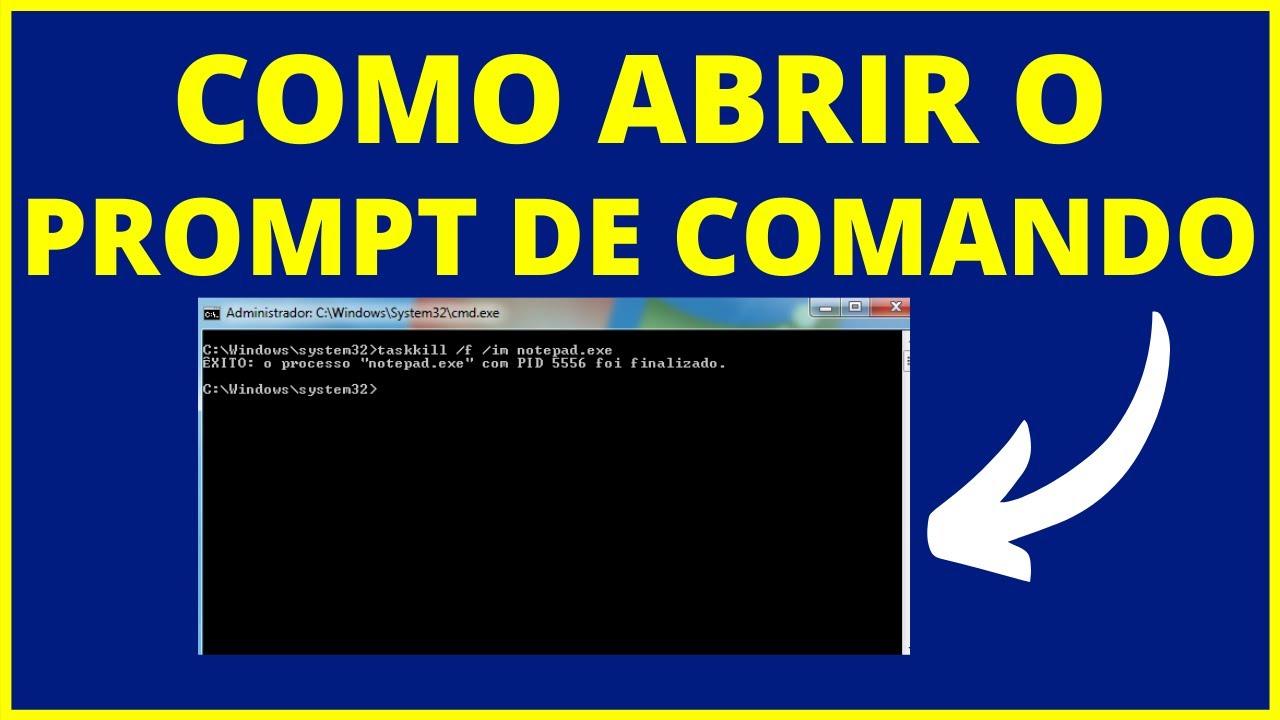
How to update cmd using cmd
Type cmd in the search box, choose Run as administrator, and click Yes to continue. Type wuauclt.exe /updatenow and hit Enter. This command will force Windows Update to check for updates and start downloading.
How to update all using cmd
And we need to wait just a moment guys. And right um this will update all your applications. In one time immediately.
How do I open control panel in cmd
6. Accessing the Control Panel via Command Prompt or PowerShellPress Win + R to open the Run command dialog box.Type cmd and press Ctrl + Shift + Enter to open an elevated Command Prompt.Finally, type control panel and press Enter.
How do I update Microsoft commands
Select Start > Settings > Update & Security > Windows Update .
How to Update pip in cmd
Update a package: pip install –upgrade
To update installed packages to their latest versions, use the –upgrade or -U option with pip install .
How to Update a file in cmd
The easiest way to edit a text file in the command line (CMD) on your Windows machine is to run the command notepad.exe my_text_file. txt , or simply notepad my_text_file. txt , in your cmd to open the text file with the visual editor Notepad.
How to Update a file in CMD
The easiest way to edit a text file in the command line (CMD) on your Windows machine is to run the command notepad.exe my_text_file. txt , or simply notepad my_text_file. txt , in your cmd to open the text file with the visual editor Notepad.
How to Update server CMD
Now lets get started!Open an Administrative (elevated) command prompt.Run “sconfig” to launch the “Server Configuration” application.Select option “6” to “Download and Install Windows Updates”Choose “A” for all updates, or “R” for recommended updates, and a scan will start.
How to control PC from cmd
Type "mstsc /console /v:computername" into Command Prompt, and place “computername” with the specific username of the computer you want to connect to. For example, the username of the PC I want to log in to is Vivian PC.
How to open services from cmd
Press Windows + R, type cmd, and hit Enter to open Command Prompt in Windows 10. Then type the Windows Services command line services. msc and hit Enter to open it.
What is the command to get installed updates
StepsOpen Command Prompt.Type wmic qfe list full /format:list > hotfixes.txt.Type start notepad hotfixes.txt.
How to run pip install in cmd
Installing PIP On WindowsStep 1: Download PIP get-pip.py. Before installing PIP, download the get-pip.py file.Step 2: Installing PIP on Windows. To install PIP type in the following: python get-pip.py.Step 3: Verify Installation.Step 4: Add Pip to Windows Environment Variables.Step 5: Configuration.
How to access pip in cmd
Using Pip Commands from CMD
To open the CMD window, press the Windows key + R, type cmd, and press Enter. Once the CMD window is open, you can use the following commands to manage Python packages: pip install – This command will install the package with the specified name.
How do I update a file
To update a file
Navigate to the file you want to update in the /_files folder. Click Edit in the upper right corner. Drag and drop a file in the indicated area or click choose to select a file from your computer. Click Preview Draft to save and review your draft.
How to open file in cmd
How to run a file in command promptOpen command prompt. There are several ways to open the command prompt app.Open the file pathway. To open the correct file, direct the command prompt app to the correct file path in your Windows by using this command template: cd [file path].Execute the file.Launch and use your file.
How to Update network driver in cmd
via Run command – press Win+R keyboard combination simultaneously, in the Open field enter the following command: devmgmt. msc, click OK. via command line – Start button and enter CMD, or Win+S keys and Enter.
How to restart PC using cmd
Things You Should KnowPress the Windows key + "S" to open the search bar. Type in "cmd".Right-click the Command Prompt and click "Run as administrator".Type "shutdown /r" and press "Enter". Click "Close" to shut down.
What does Ctrl C do in cmd
In many command-line interface environments, control+C is used to abort the current task and regain user control. It is a special sequence that causes the operating system to send a signal to the active program.
How to install services in cmd
How to Delete a Windows Service from the Command LineStep 1 – Stop the Service. sc stop [Service name] where [Service name] has been obtained from the the query above.Step 2 – Delete the Service. sc delete [service name] where [Service name] has been obtained from the the query above.
How can I see all services in cmd
To list all the services which are currently running on a windows machine using the command prompt you can use the net start command.
How do I open system updates
Get the latest Android updates available for youOpen your phone's Settings app.Near the bottom, tap System. System update.You'll see your update status. Follow any steps on the screen.
How to install updates in Windows Server cmd
HowOpen an Administrative (elevated) command prompt.Run “sconfig” to launch the “Server Configuration” application.Select option “6” to “Download and Install Windows Updates”Choose “A” for all updates, or “R” for recommended updates, and a scan will start.
How to update pip in cmd
Update a package: pip install –upgrade
To update installed packages to their latest versions, use the –upgrade or -U option with pip install .
How to upgrade pip install in cmd
So this will upgrade our pip. So we successfully installed this ok now let us type pep space hyphen iphone version and press enter let's see which version we have now we have 22.1. 2.
How to update a file in cmd
The easiest way to edit a text file in the command line (CMD) on your Windows machine is to run the command notepad.exe my_text_file. txt , or simply notepad my_text_file. txt , in your cmd to open the text file with the visual editor Notepad.


0 Comments